Video
The easiest way to publish video podcasts everywhere
Upload once to Fountain and publish your video podcast to Apple Podcasts, Spotify and YouTube with unified analytics.
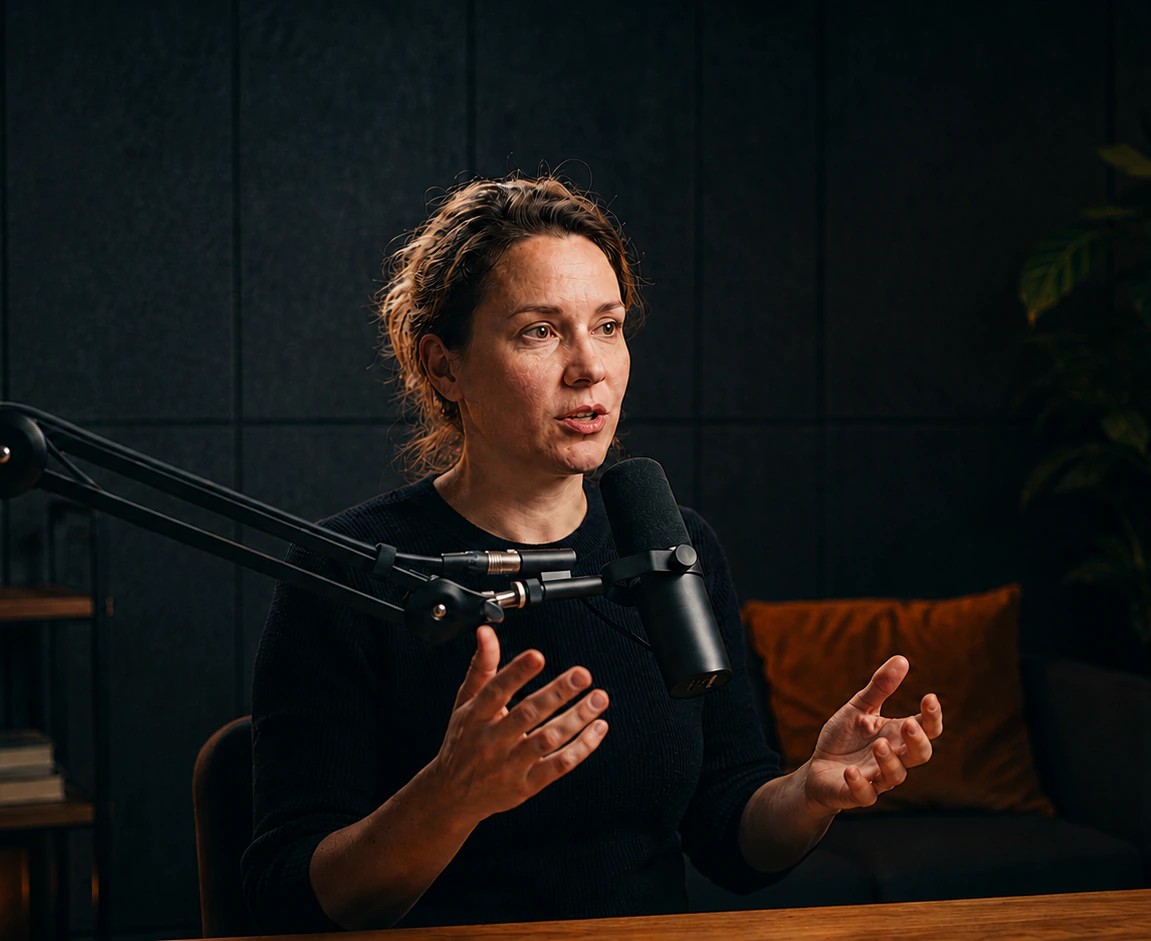 1080p

Apple Podcasts
Video, 1080p

Pocket Casts
Video

Spotify
Audio

Overcast
Audio
One upload for every platform

Episode 142 · Draft
Marta Reyes on the rewrite that almost ended the company
Show notes
Nora Vance sits down with Marta Reyes, co-founder and CTO of Ledgerline, about the eleven-month rewrite that nearly took the company down with it.
 Apple Podcasts
 Spotify
 YouTube
- 1Upload your videoUpload an MP4 or MOV file. Fountain takes the audio from it, unless you upload a separate audio version.
- 2Process videoYour video is encoded in several formats and resolutions, from 360p up to 1080p.
- 3Choose platformsChoose which apps your video appears in each time you publish an episode.
- 4PublishAudio and video go to your RSS feed and Apple Podcasts. Spotify and YouTube are coming soon.
Where your video podcast is published
Join the waitlist to hear when new platforms are added.
Join waitlist RSSAvailable
Video sits beside the audio in your feed, ready for Fountain, Pocket Casts and any app that supports it.
 Apple PodcastsAvailable
Video on your existing show at up to 1080p. No separate video feed to set up.
 SpotifyComing soon
Upload once and your video reaches Spotify, without hosting on Spotify for Creators.
 YouTubeComing soon
Connect your channel once and every video episode goes up with its title, description and chapters.
FAQs
Read the guideWhat is Apple Podcasts video?
Apple Podcasts video lets audiences watch or listen to the same episode from a single show page. Video is delivered using HLS for reliable, adaptive streaming.
Do I need to create a separate video podcast?
No. When you publish HLS video with Fountain, it is added to your existing show alongside the audio experience, so you do not need a separate video feed.
How do I publish video to Apple Podcasts with Fountain?
Create an episode in Fountain, upload your video and publish as normal. Fountain processes the file and delivers the video directly to Apple Podcasts.
Do I need to connect Apple Podcasts Connect?
Yes. You need to claim your show in Apple Podcasts Connect, generate an API key and upload it to Fountain. This is a one-time setup that authorises Fountain to publish video on your behalf.
What video quality does Fountain support?
Fountain optimises your video for HLS streaming and delivers it to Apple Podcasts in up to 1080p resolution.
Do I need to upload a separate audio file?
No. Fountain can extract the audio directly from your video. Uploading video only also provides the most reliable experience when listeners switch between watching and listening.
Can listeners switch between audio and video?
Yes. Listeners can move between audio-only and video playback during an episode without losing their position.
Will my video be available outside Apple Podcasts?
Yes. Fountain also includes the video as an alternate enclosure in your RSS feed, allowing it to play on Fountain and other podcast apps that support open video.
What kind of video can I publish?
Apple expects genuine video content such as filmed conversations, animation, screencasts or selected archival footage. Episodes consisting mainly of static artwork, logos or audio visualisers should remain audio-only.
Can Apple Podcasts subscriber episodes include video?
Not currently. Apple Podcasts Subscriptions support audio episodes only, although free episodes can be published with HLS video.
Explore more features
Hosting
Publish audio and video everywhere, with unlimited storage and downloads.
Clips and social
Clips in your style, written and scheduled for every channel.
Analytics
IAB-compliant downloads and post results, by episode, app and country.
Monetization
Subscriptions, zaps and streaming payments, paid straight to you.